

At Success Primary School, our 1:1 iPad program for students in Years 2–6 supports personalised, creative, and future-focused learning. The program develops essential digital skills, preparing students to learn confidently in a connected and evolving world. Aligned with the Department of Education’s Digital Capacity Framework, the program is embedded across all learning areas and supports the Western Australian Curriculum’s ICT General Capabilities and Design and Digital Technologies.
The program promotes safe, responsible, and confident digital citizenship, supporting our aspiration to nurture adaptable learners who are ready for the future. The use of iPads is purposeful and balanced. Students are not on devices all day, and iPads do not replace face-to-face teaching, handwriting, or outdoor learning. Technology is one of many tools used to enhance learning alongside high-quality teaching.
Having a personal device allows students to begin tasks immediately, manage and store their work securely, and access learning resources efficiently. iPads also support assessment and learning platforms such as NAPLAN Online, PAT testing, Sound Waves, and Languages Online. Students without an iPad will be provided with a school-owned device for use at school only, including when a personal device is unavailable due to repair.
The school has developed a comprehensive iPad User Agreement (see attached) that applies to students, staff, and parents. The iPad User Agreement is displayed in classrooms and is regularly referred to during lessons and as reminders of expected behaviour when using iPads at school.
The agreement clearly outlines student expectations and complements the school’s existing ICT Online Code of Conduct, which is signed at enrolment.
Students are required to have an iPad 9th generation (64GB) or newer. The recommended storage capacity for educational use is 64GB–128GB, which provides sufficient space for apps, photos, videos, and student work without the need for external storage management.
A new iPad is expected to have a useful lifespan of three years or more. Families are encouraged to purchase iPads through Winthrop Australia, which offers competitive pricing and education bundles that include AppleCare+ and protective cover.
The school’s School Internet Gateway (SIG) filters internet access to block inappropriate websites while students are at school. Students do not have access to YouTube on their iPads during school hours. These restrictions apply only when devices are connected to the school network; families are responsible for managing access outside of school. The use of Screen Time parental controls is strongly recommended.
Teachers use Apple Classroom to monitor student activity on iPads during lessons, guide learning, and limit app use to specific tasks as required. Students are taught safe and responsible research practices, including the use of Advanced Google Search, copyright awareness, and filtered viewing when video content is used for learning. Each year, students participate in a cyber safety program as part of the Western Australian Health Curriculum.
Families are advised that if a student’s iPad is set up using a shared Apple ID (for example, with a parent or sibling), information such as browsing history and messages may be shared across devices. For privacy and safety, students should use their own Apple ID on their school iPad.
Families are strongly encouraged to use Screen Time parental controls on their child’s iPad to manage app use, content access, and screen time outside of school hours. Without these controls in place, students may be able to access inappropriate or explicit content when using their device at home.
The eSafety Commissioner website provides practical advice and resources to support families in setting up parental controls and promoting safe online behaviours at home.
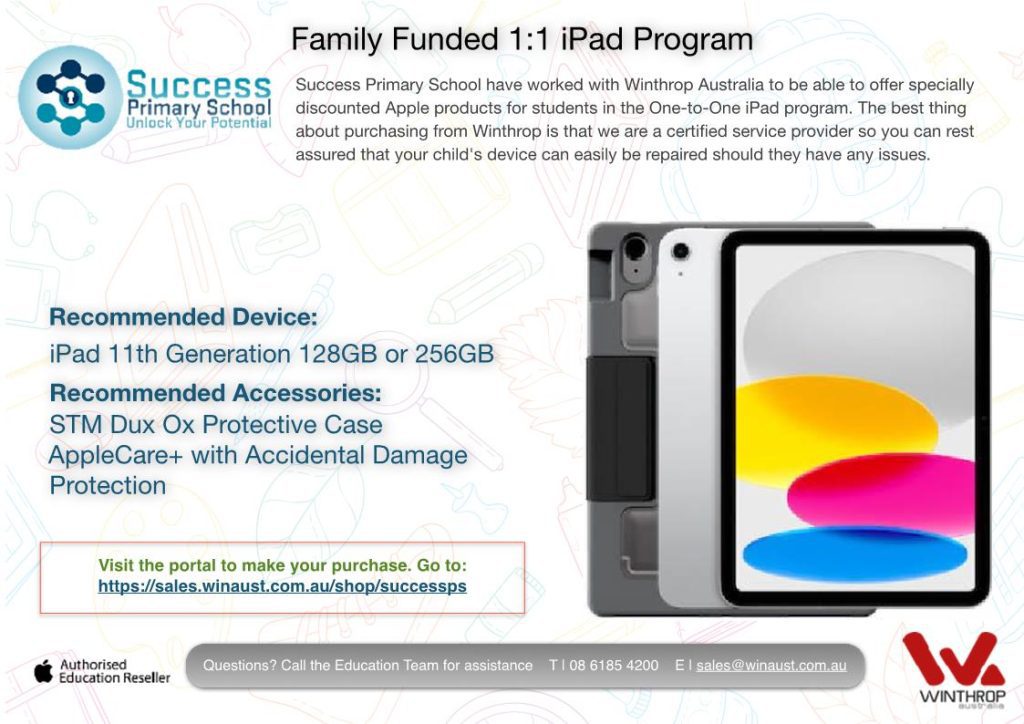
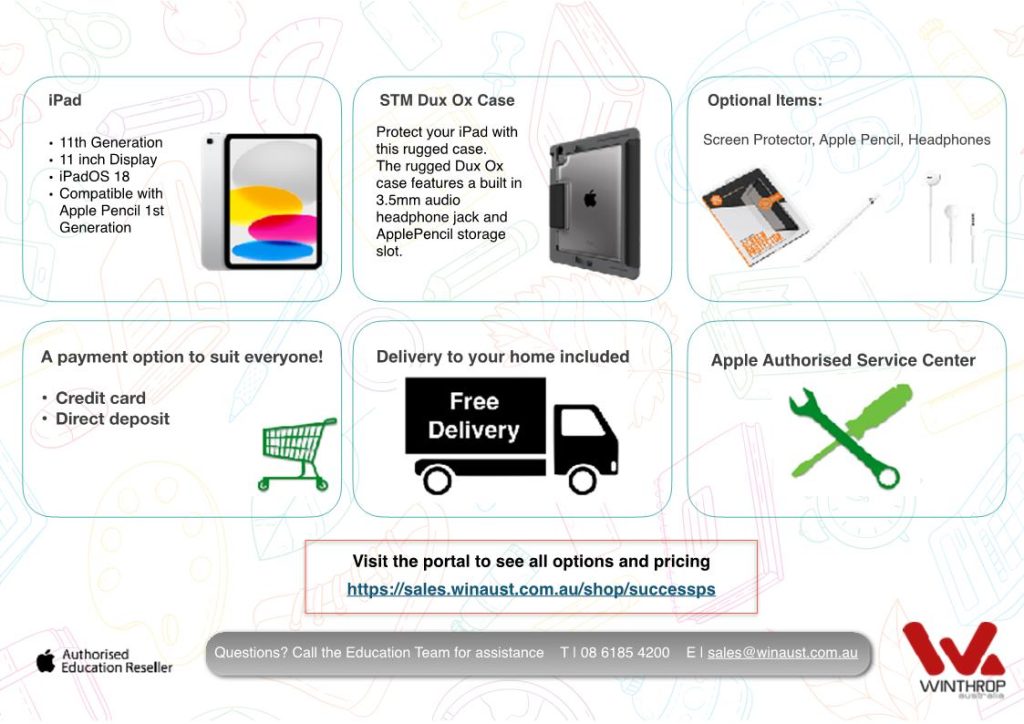
Click on the link below to visit the portal and make your purchase:
https://sales.winaust.com.au/shop/successps